Ready to take your Power Apps UI/UX to the next level?
Even if your apps already look great, we help you elevate their design into a modern and professional look that users love — while cutting down development time through ready-to-use template and reusable components.
The design of Power Apps matters
Several years ago, when I started building corporate Power Apps, I was so focused on functionality that the final solutions looked terrible. Power Apps are frequently built by technical specialists or citizen developers with strong logical thinking but limited design skills. Companies often accept this trade-off because “at least it works.”
Power Apps , like any other app, should look and feel great
Over time, I realized that apps only deliver value when they're actually used—and they're only used when people enjoy working with them. I began focusing on how apps look and feel, collaborating with UI/UX experts to identify what harms user experience and to uncover the principles that make apps intuitive and enjoyable.
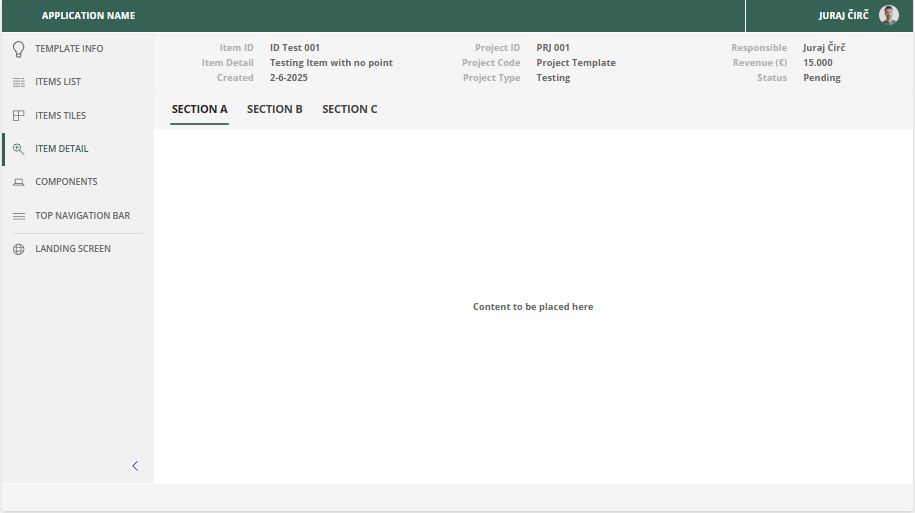
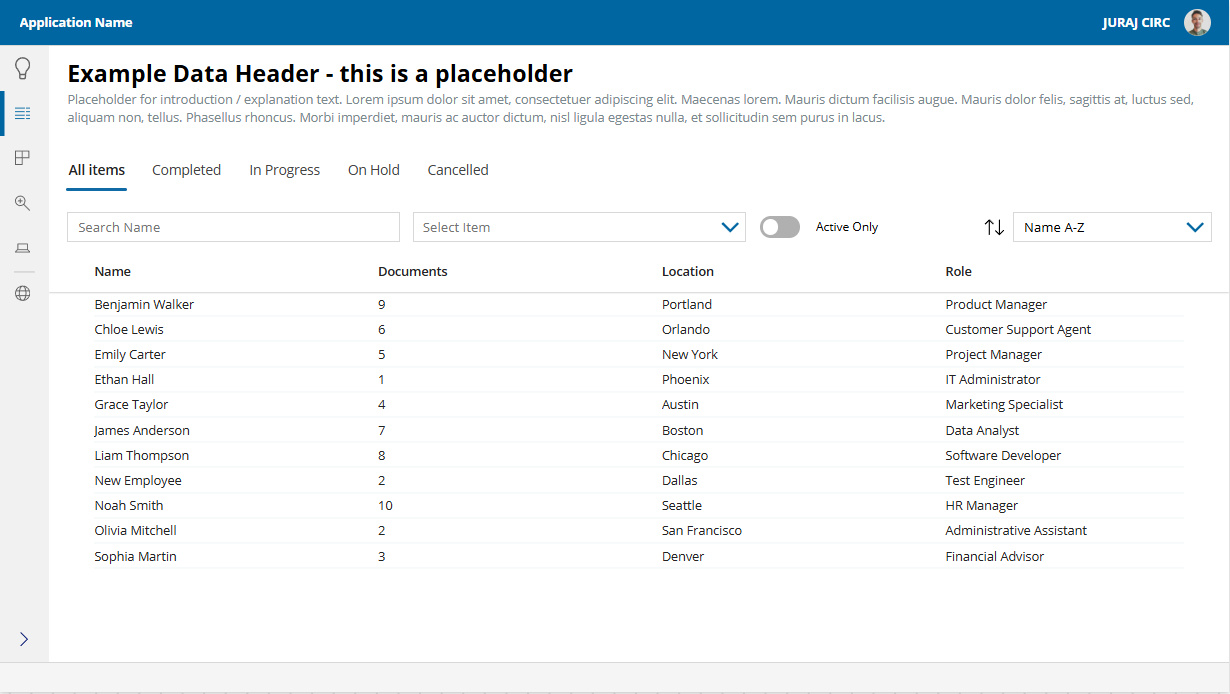
A company-branded reusable template is the way to go
The best and quickest way to achieve great and consistent UI/UX across company Power Apps is by building them with reusable template and components tailored to the company’s design system.
When using a high quality branded template you get
MORE ADOPTION – Business apps are used more frequently, delivering greater value.
FASTER APP DEVELOPMENT – No need to build standard components like navigation or dialogs from scratch.
STRONG BRAND CONSISTENCY – Consistent use of brand colors and design principles makes apps look professional.
The template is available instantly
We don't need to access your IT systems or Power Platform environment. Just share your brand design guidelines, we’ll discuss your requirements, and deliver a customized template tailored to your needs.
Contact me and get your customized Power Apps template
00420 602 652 039
Template details
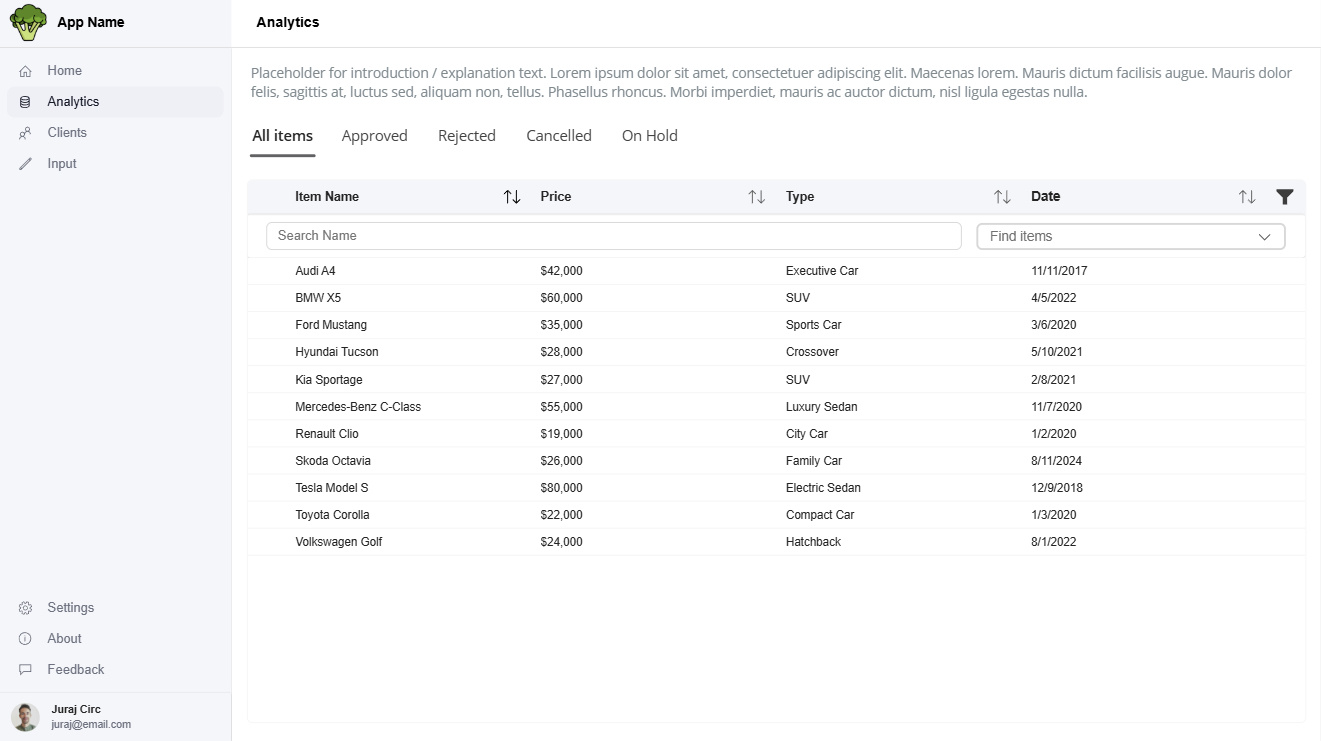
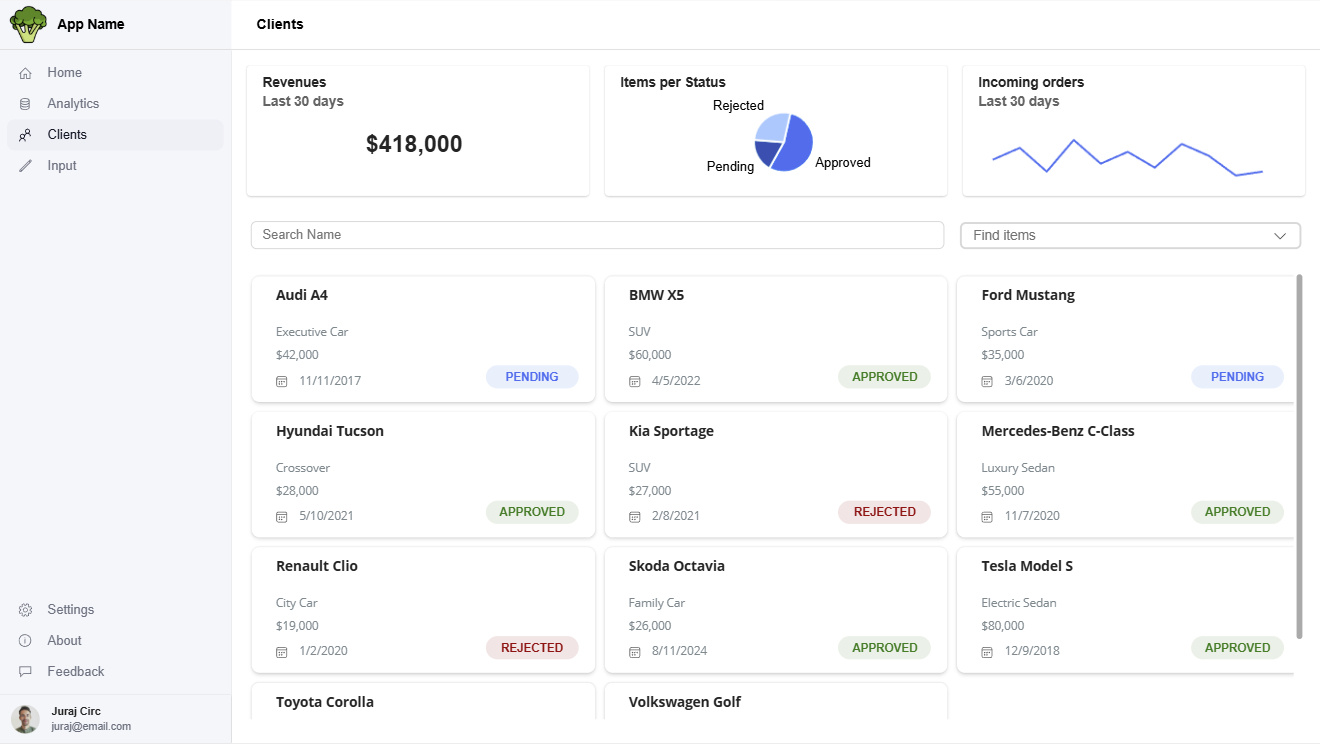
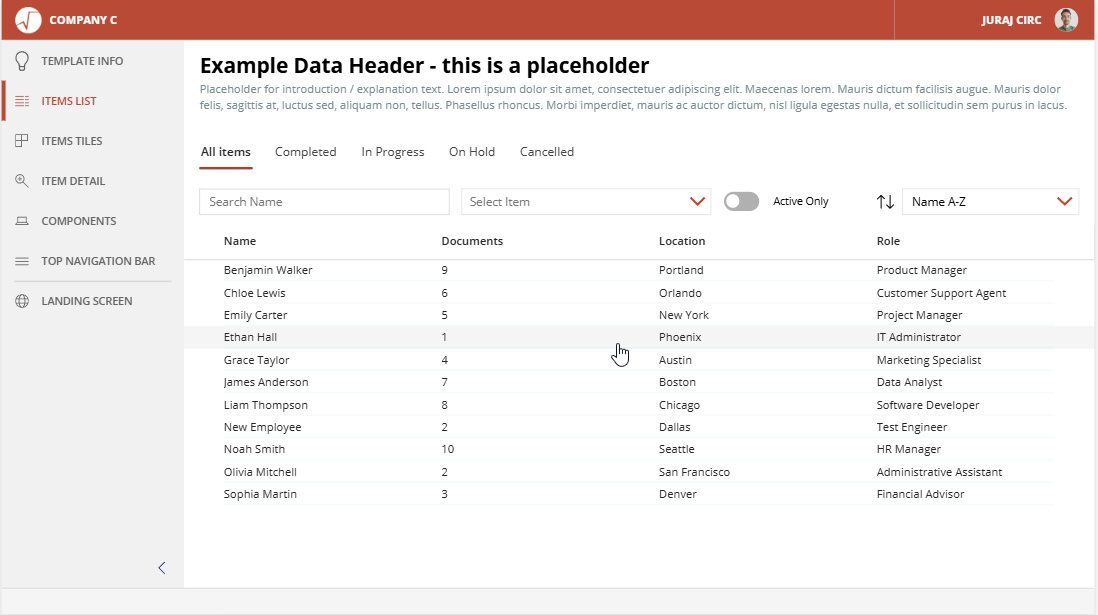
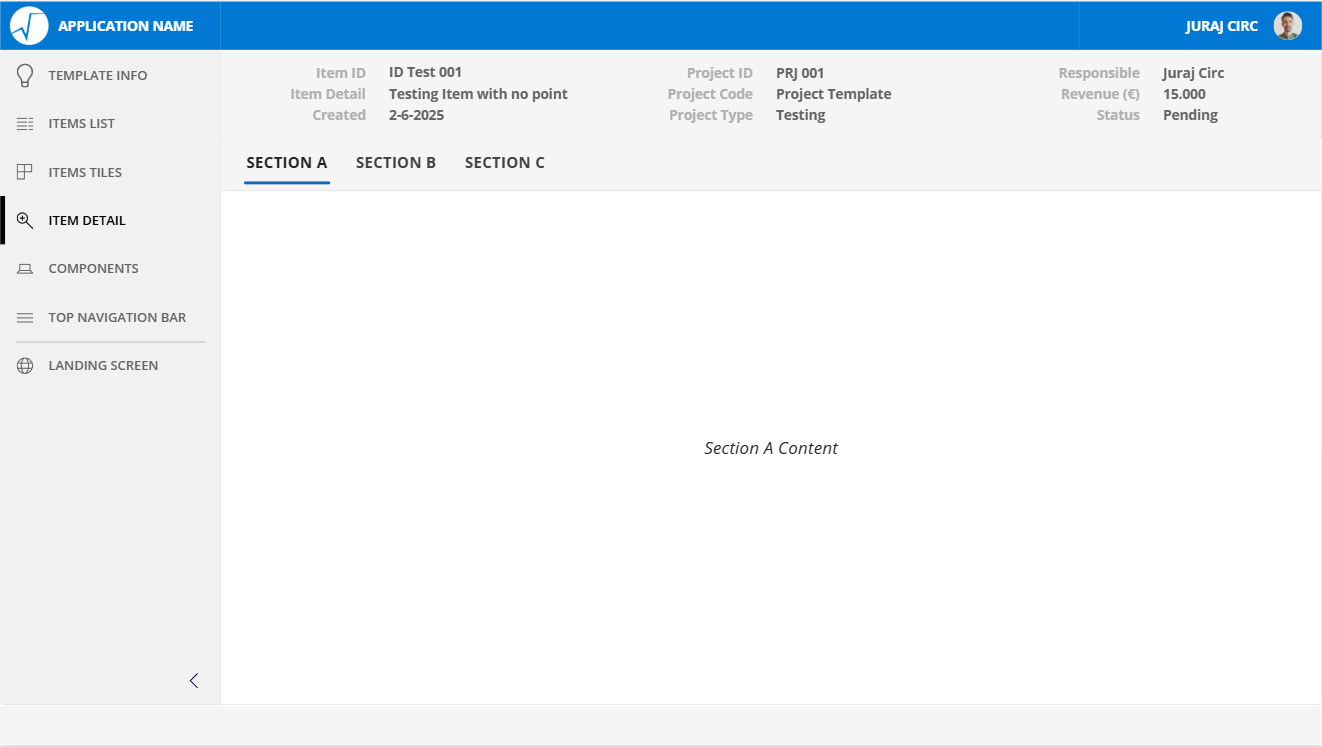
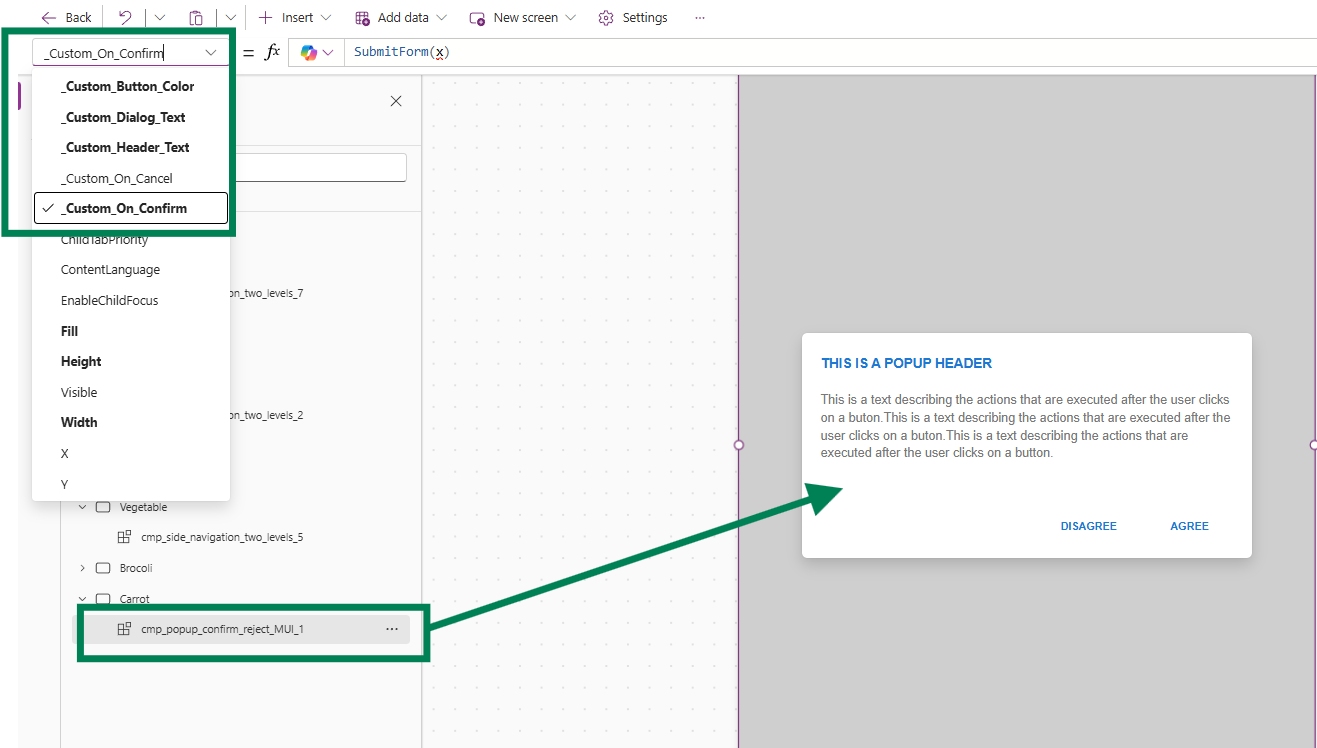
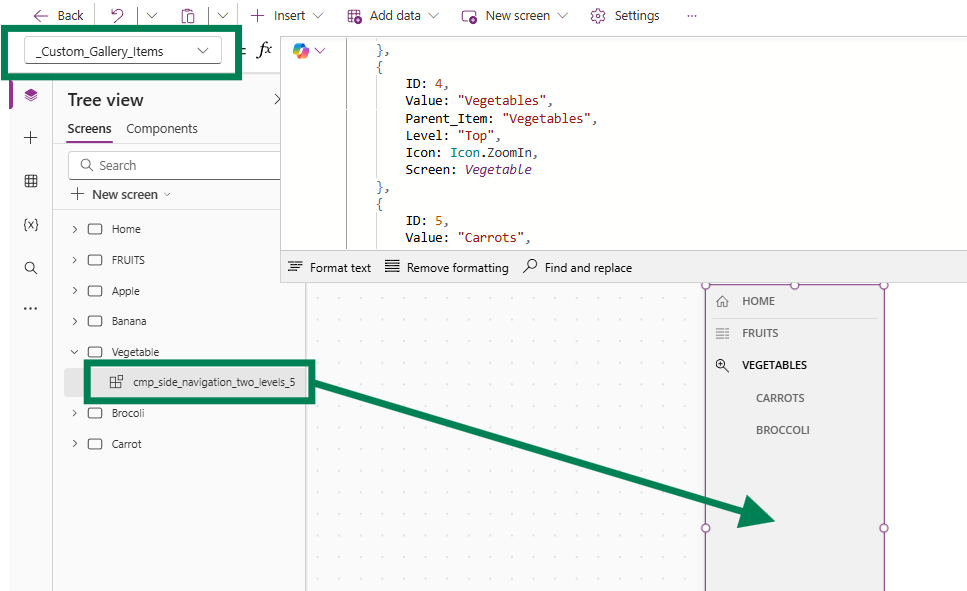
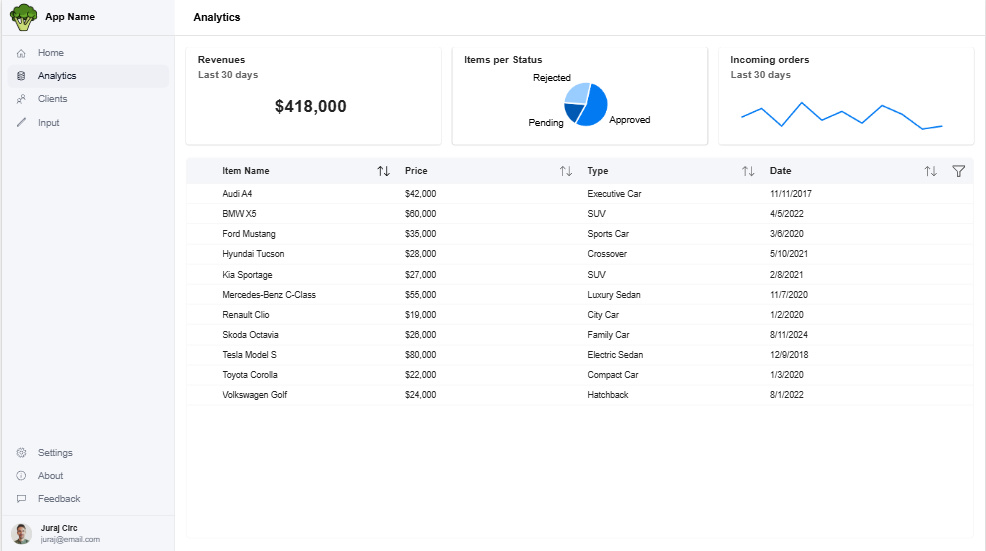
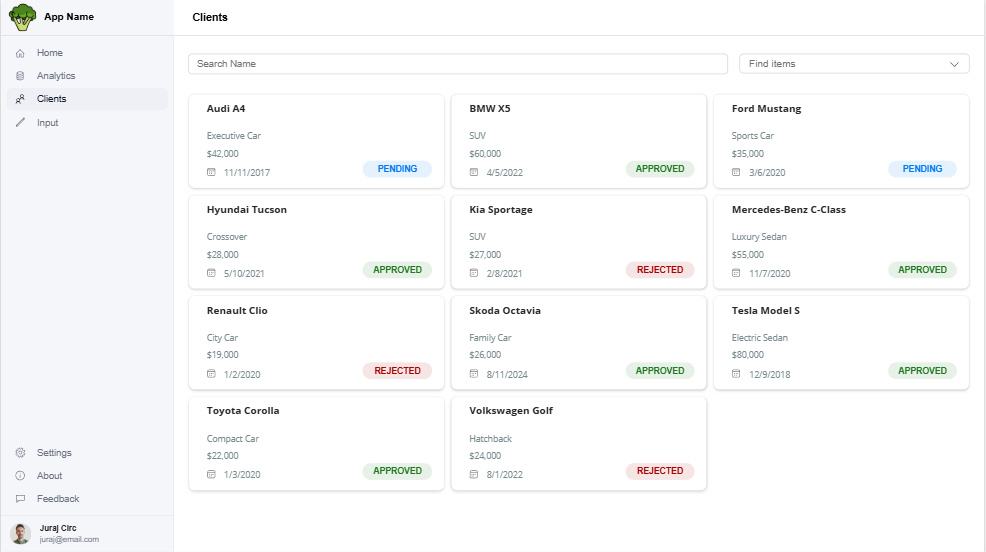
Using our templates to build Canvas Power Apps is simple and significantly speeds up app development.Each template includes ready-made screens with key elements like gallery items, tiles, filters, and sorting – all styled in the company’s UI design. The templates are derived from popular design systems like MUI and can be further customized to fit the company's specific design system.The template is connected to a component library with essentials like dialog popups and navigation panes. These components have customizable fields that users can easily fill in to fit their needs.We don’t use any custom HTML, CSS-like, or SVG components in the template. The template relies solely on officially supported and readily available Power Apps features and components. This approach ensures reliability, easier maintenance, and simplified implementation — all of which are important when delivering corporate apps.